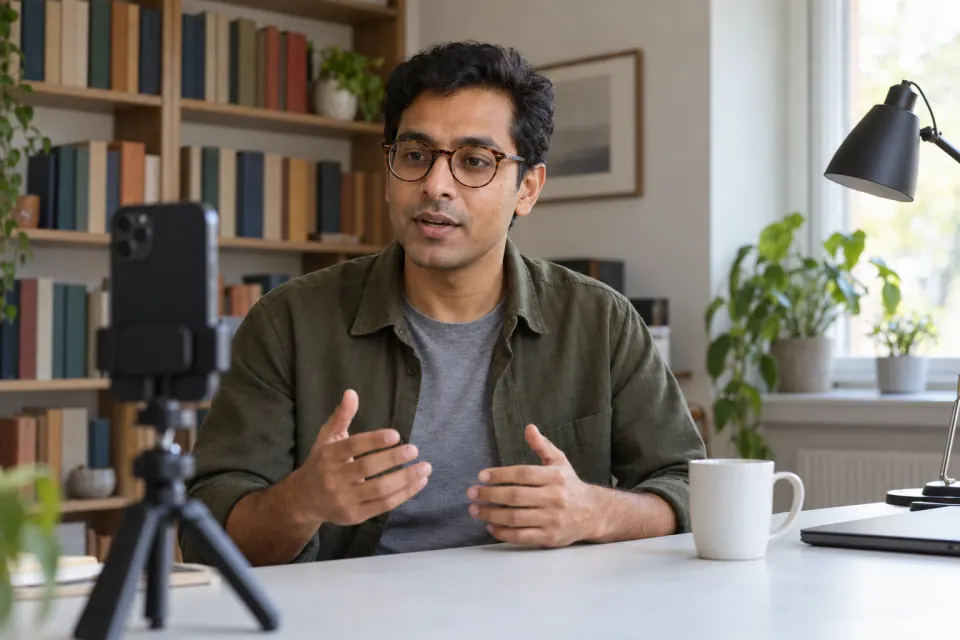
Why a camera feels different from a conversation
Talking to a camera feels different from talking to a person because nobody reacts. In a conversation, a nod or a question tells you the other person is following, and you adjust without thinking. A lens gives nothing back, so your attention turns to yourself: your face, your voice, the words you are about to say.
That attention on yourself is what makes you feel stiff. It tends to ease as recording becomes familiar, and familiarity comes from doing it many times when nothing depends on the result.
A practice routine
A practice routine works better than waiting to feel ready, because it gives you something small to do each time. The routine below is built so that each session is short and private.
- Write a few sentences about something you know well, as if you were explaining it to a friend.
- Put the phone on a stand at eye level, in a room where you are alone, with the light in front of you.
- Record the sentences once from start to finish, and keep going if you stumble.
- Watch the take back once, using the questions in the section on rewatching, and note one thing to change.
- Keep the take or delete it.
- On another day, record the same sentences again, or a new short piece, and change only the one thing you noted.
Keeping going in step 3 is the point of the exercise. A take with a stumble in it still counts, and a stumble can be cut later. Stopping to start again teaches you that every mistake ends the take, and that makes each take feel more tense.
Take away the pressure points
Pressure on camera comes from several places at once. Taking them away one at a time is easier than trying to stop feeling nervous in general.
| Pressure | What to change |
|---|---|
| Not knowing what to say next | Write the words down and read them, so that what comes next is already in front of you |
| Seeing your own face in the preview | Look at the lens, not at the picture of yourself |
| Wanting one perfect take | Treat each take as practice, and cut the stumbles afterwards |
| Someone else in the room | Record alone, with the door closed |
| Thinking about who will watch | Record takes that nobody will see, and decide about sharing later |
| A long script | Start with a few sentences, and add more when the short piece feels easy |
Start with the first row, because not knowing what to say is a pressure that a script removes completely. When you go blank in the middle of a sentence, the guide on what to do when you go blank has steps that keep the take going.
The second row is about where your eyes go. Your own face moving on the screen pulls your attention to it. Looking at the lens instead also helps the video, and there is more on keeping your eyes near the lens.
Rewatching without picking yourself apart
Rewatching your own takes can be harder than recording them, so decide how you will do it before you press play.
- Watch each take a set number of times, not on repeat. Once with the sound off, and once without looking at the screen.
- Choose one thing to judge before you start. For example: do my eyes stay near the lens, or do I finish my sentences. Ignore everything else for that take.
- Write down one thing that worked and one thing to change. Then close the video.
- Compare a take with your own earlier takes, not with videos made by other people with other setups.
With the sound off, you see your face, eyes and posture without being distracted by the words. Without looking, you hear your pace, your pauses and whether you sound like you mean what you say. Splitting the two keeps any single viewing from turning into a list of everything you dislike.
What a teleprompter helps with, and what it does not
A teleprompter helps with the words. It removes the question of what comes next, lets you keep your eyes close to the lens while you read, and lets you say exactly what you planned.
A teleprompter does not help with nerves themselves, with the feeling of being watched, or with how your voice and face come across. A script written in stiff, formal sentences can also make you sound flat, because you read it the way it was written. Write it the way you would say it.
If the fear of being on camera is strong and does not ease with practice, it is worth talking to a professional about it; an app cannot help with that.
When the practice is for a talk you will give in front of people, the guide on rehearsing a speech by recording it picks up from here.
Practicing in Teleprompter: Video & Captions
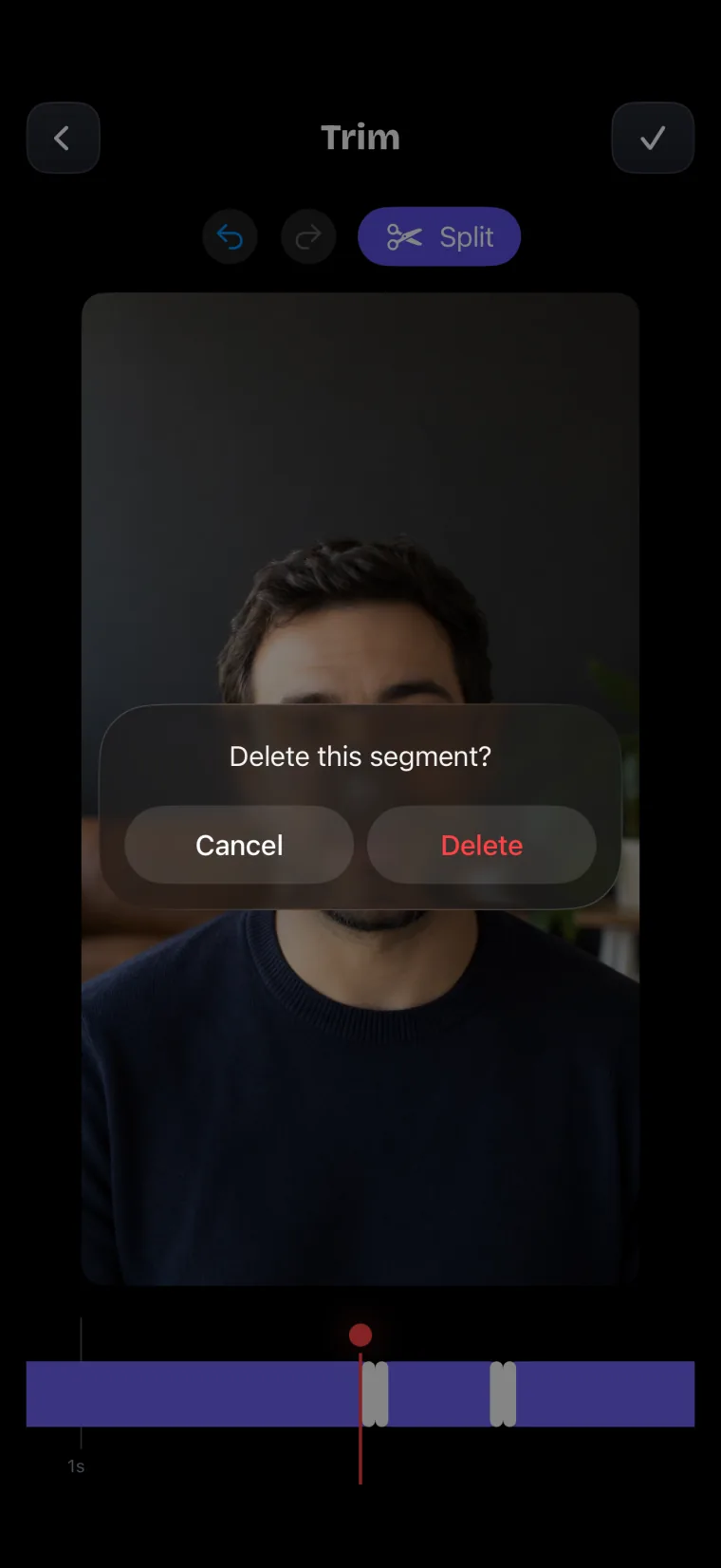
Teleprompter: Video & Captions is set up for recording with the words in front of you. The script sits in a dark see-through window over the live camera picture, just under the front camera. Every take you keep is stored with its project, newest first, and you can delete a take from the project’s take list by swiping it or pressing and holding it. A take is stored in the app on your iPhone until you delete it, and it reaches Photos only when you save it there.
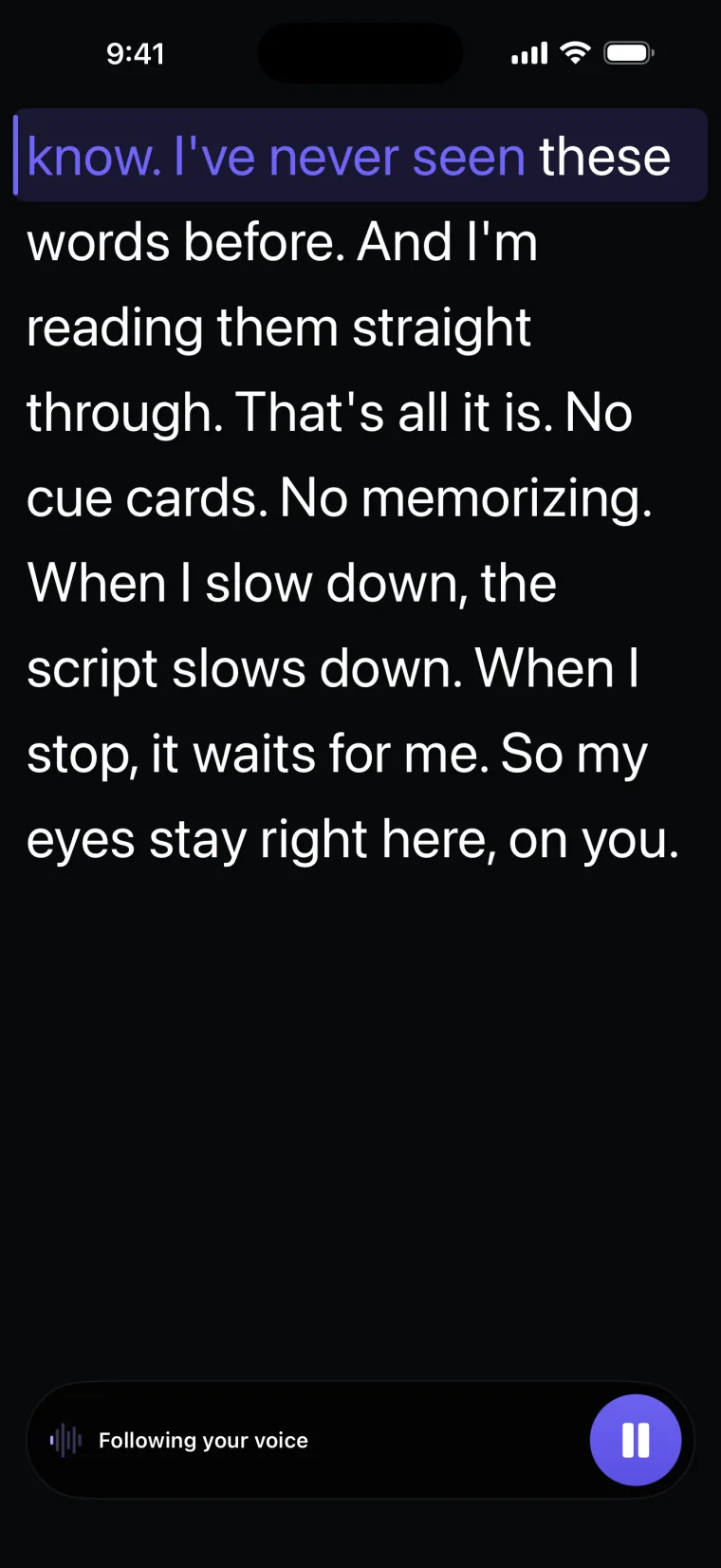
Voice mode is useful while you practice. The script moves as you say the words and does not move while you are silent, so you can stop, breathe and carry on without losing your place.
Two details of the recorder affect a nervous start. Recording begins the moment you tap Record, with no countdown, so take your breath first and then tap; you can trim the start afterwards. And if seeing your own face distracts you, drag the grip at the foot of the script window to make the window taller, so it covers more of the camera picture; the window is see-through, so your face stays faintly visible, and a taller window puts more text below the line you are reading.
Where this stops working well
The app helps with the words and does nothing for the nerves. It records with the front camera only, adds captions only to videos recorded in the app, and saves finished videos to Photos; it does not post to social networks or export subtitle files.
- A stiff script stays stiff. The app shows the words as you wrote them, so a script written like a report will sound like one.
- Very short takes are not kept. A take shorter than 5 seconds is discarded, so a single practice line needs a little more around it.
- No remote control. The app does not work with Bluetooth remotes, keyboards or foot pedals, so you reach for the phone to start and stop, and trim that movement afterwards.
Questions people ask
How do you stop feeling awkward on camera?
Record often, in short takes that nobody else will see, and keep going through stumbles instead of starting again. Remove one source of pressure at a time, starting with not knowing what to say. Rewatch each take with one question in mind, and compare it only with your own earlier takes.
Should I watch myself in the preview while I record?
Look at the lens instead. Your own face on the screen pulls your eyes and your attention away from the camera. In Teleprompter: Video & Captions, the script window covers the top of the camera picture, and you can drag it taller to cover more of it.
Does reading from a script help with camera nerves?
Reading from a script removes one cause of nerves: not knowing what to say next. It does not remove the feeling of being watched. Write the script the way you talk, because a stiff script read aloud tends to sound stiff.
What should my first practice video be about?
Pick something you know well and could explain to a friend without notes, such as how you do a task you do often or why you like a place you visit. Keep it to a few sentences. The point of the first video is to record and rewatch it, not to publish it.